
a song from the perspective of a single female, with a sense of hesitation, shyness, and subtle longing, not fully bold love yet. soft, dreamy, and introspective:
Verse 1:
साँझको हावा — चुपचाप कुरा बनाउँदै
तिमीलाई सम्झँदा — मुटु अलिक हिचकिचाउँदै
सपनाको रङहरू — आँखामा झल्किँदै
तर शब्दहरू — अझै बोकी रहन्छु म
Chorus:
तिमी र म —
तिमी र म —
कहिल्यै बोल्न नसके नि
मन भित्र —
मीठा कुरा
यो हाँसो —
सपनामा भित्र
लुकेको छ
अलिक
हिच-किचा-उँछु
तर माया छ
Verse 2:
ताराहरू झिलिमिली — रातभरि साथ साथी – बन्दै
तिम्रो याद — मनको कुनामा आई – बसदै
फूलहरूको खुश्बू — हावा सँग सँगै – खेल्दै
तर हाँसोमा — अलिक डर लुकेको जस्तो छ
Chorus:
तिमी र म —
तिमी र म —
कहिल्यै बोल्न नसके नि
मन भित्र —
मीठा कुरा
यो हाँसो —
तिमी सँगै
लुकेको छ
अलिक
हिच-किचा-उँछु
तर माया छ
@copyright Rawi Rai
chatgpt – RAW
Title: मनको कुरा (Whispers of the Heart)
Verse 1:
साँझको हावा — मेरो अनुहारमा छुँदै
तिमीलाई देख्दा — मन अलिक हिचकिचाउँछ
सपनाको रङहरू — आँखामा झल्किँदै
तर शब्दहरू — अझै बोकी राख्छु म
Chorus:
तिमी र म — कहिल्यै बोल्न नसके पनि
मन भित्र — मीठा कुरा झन् बढ्दै
यो हाँसो — शंका भित्र लुकेको छ
माया छ तर — अलिक हिचकिचाउँछ
Verse 2:
ताराहरू झिलिमिली — मेरो रातभरि साथी
तिम्रो याद — मनको कुनामा छिपेको
फूलहरूको खुश्बू — तिमीलाई सम्झाउँछ
तर हाँसोमा — डर लुकेको जस्तो छ
Bridge:
के म भन्न सक्छु? — यो दिलको कुरा
के तिमी बुझ्ने छौ? — मेरो अनकही माया
सपनाको बाटो — सँगै हिँड्न चाहन्छु
तर पहिलो कदम — अलिक डर लाग्छ
Chorus (Repeat):
तिमी र म — कहिल्यै बोल्न नसके पनि
मन भित्र — मीठा कुरा झन् बढ्दै
यो हाँसो — शंका भित्र लुकेको छ
माया छ तर — अलिक हिचकिचाउँछ
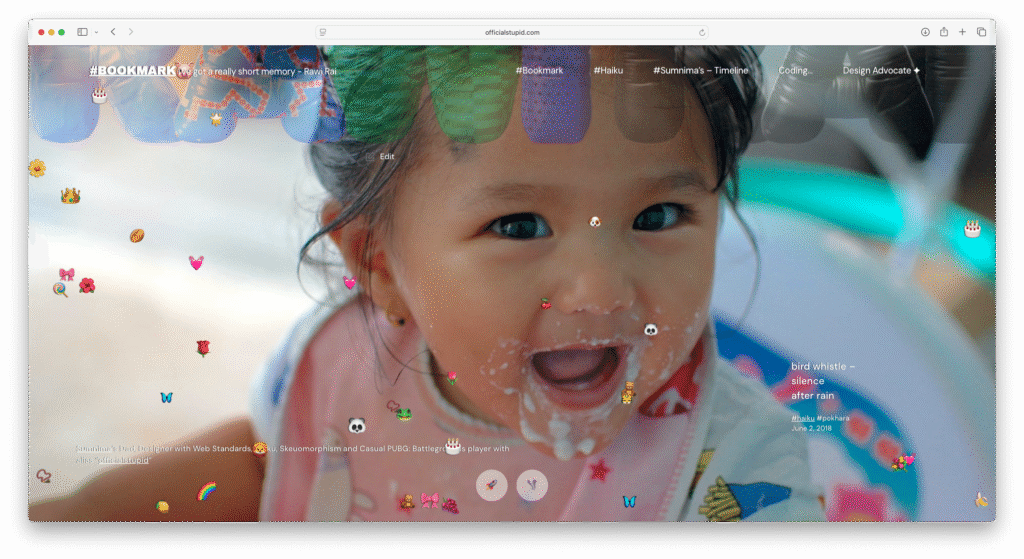
I was planning to add more load to the homepage until it felt heavy, but I ended up creating a fun, game-like chaos effect with falling emojis, gravity and chaos mode.
<div id="container"></div>
<div id="controls"></div>

<script>
// Create and append styles
const style = document.createElement('style');
style.textContent = `
  #container {
    position: fixed;
    width: 100%;
    height: 100%;
    top:0px;
    left:0px;
    z-index:9;
  }

  .emoji {
    position: absolute;
    user-select: none;
    cursor: pointer;
    font-size: 3rem;
    transition: transform 0.2s;
    z-index: 1;
  }

  .emoji:hover {
    transform: scale(1.2);
    z-index: 2;
  }

  #controls {
position: fixed;
bottom: 0px;
left: 50%;
transform: translateX(-50%);
padding: 10px 20px;
border-radius: 10px;
display: flex;
gap: 10px;
z-index: 100;
text-align: center;
justify-content: center;
align-items: center;
}

button {
border: medium;
padding: 0;
cursor: pointer;
font-weight: bold;
transition: 0.2s;
font-size: 2.5rem;
background-color: rgba(255, 255, 255, 0.8);
border-radius: 100px;
height: 70px;
width: 70px;
 transform: scale(0.9);
opacity:0.6;
}
button[title="Add More"] {
  display: none;
}

  button:hover {
    transform: scale(1);
  text-decoration: none;
  opacity:1 !important;
  }
`;
document.head.appendChild(style);

// Initialize the application
const container = document.getElementById("container");
const controlsDiv = document.getElementById("controls");

const emojis = ["🍎","🍊","🍋","🍉","🍇","🍌","🍒","🍑","🍍","🥭","🥝","🍓",
   "⚽","🏀","🏐","🎾","🥎","🏉","🦄","🐇","🐱","🐶","🐰","🦊","🐻","🐼",
               "🐨","🐯","🦁","🐮","🐷","🐸","🐙","🐳","🐠","🦋","🐥","🌺","🌸","💐","🌷","🌹","🥀","🌻","🌼","👑","🎀","🎁","🎂","🍦","🍭","🍬","🧁","🎂","🍰","🧸","🎈","🎉","🎊","🪅","🪩","🎁","🎀","👗","👚","👛","👜","💍","💎","📿","❤️","💖","💝","💗","💓","💞","💕","❣️","⭐","🌟","✨","⚡️","🌈","☁️","☀️","🌙"];

const balls = [];
let num = 35;
let gravityEnabled = true;
let chaosMode = false;

// Create control buttons with emoji icons
const addBtn = document.createElement("button");
addBtn.innerHTML = '🍇';
addBtn.title = "Add More";
controlsDiv.appendChild(addBtn);

const gravityBtn = document.createElement("button");
gravityBtn.innerHTML = '🌍';
gravityBtn.title = "Toggle Gravity";
controlsDiv.appendChild(gravityBtn);

const chaosBtn = document.createElement("button");
chaosBtn.innerHTML = '🌈';
chaosBtn.title = "Super Chaos";
controlsDiv.appendChild(chaosBtn);

// Initialize the animation
function init() {
  // Clear existing balls
  balls.forEach(ball => {
    if (ball.el.parentNode) {
      ball.el.parentNode.removeChild(ball.el);
    }
  });
  balls.length = 0;

  // Create new balls
  for (let i = 0; i < num; i++) {
    createBall();
  }
}

// Create a single ball
function createBall() {
  const el = document.createElement("div");
  el.className = "emoji";
  el.textContent = emojis[Math.floor(Math.random() * emojis.length)];
  const size = 2 + Math.random() * 2;
  el.style.fontSize = size + "rem";
  container.appendChild(el);

  const side = Math.floor(Math.random() * 4);
  let x, y, vx, vy;

  if (side === 0) { // top
    x = Math.random() * window.innerWidth;
    y = -50;
    vx = (Math.random() - 0.5) * 4;
    vy = Math.random() * 3 + 2;
  } else if (side === 1) { // left
    x = -50;
    y = Math.random() * window.innerHeight;
    vx = Math.random() * 3 + 2;
    vy = (Math.random() - 0.5) * 4;
  } else if (side === 2) { // right
    x = window.innerWidth + 50;
    y = Math.random() * window.innerHeight;
    vx = -(Math.random() * 3 + 2);
    vy = (Math.random() - 0.5) * 4;
  } else { // bottom
    x = Math.random() * window.innerWidth;
    y = window.innerHeight + 50;
    vx = (Math.random() - 0.5) * 4;
    vy = -(Math.random() * 3 + 2);
  }

  const ball = {
    el,
    x, y,
    vx, vy,
    gravity: 0.3 + Math.random() * 0.3,
    bounce: 0.6 + Math.random() * 0.3,
    friction: 0.98,
    size: size
  };

  balls.push(ball);

  // Hover effect - bigger bounce
  el.addEventListener("mouseenter", () => {
    ball.vy = -15;
    ball.vx += (Math.random() - 0.5) * 5;
  });

  // Click to remove
  el.addEventListener("click", (e) => {
    e.stopPropagation();
    container.removeChild(el);
    const index = balls.indexOf(ball);
    if (index > -1) {
      balls.splice(index, 1);
    }
  });
}

// Animation loop
function animate() {
  balls.forEach(ball => {
    if (gravityEnabled) {
      ball.vy += ball.gravity;
    }

    ball.x += ball.vx;
    ball.y += ball.vy;

    const ballBox = ball.el.getBoundingClientRect();

    // Bounce off screen edges
    if (ball.y + ballBox.height >= window.innerHeight) {
      ball.y = window.innerHeight - ballBox.height;
      ball.vy *= -ball.bounce;
      ball.vx *= ball.friction;
    }

    if (ball.y <= 0) {
      ball.y = 0;
      ball.vy *= -ball.bounce;
      ball.vx *= ball.friction;
    }

    if (ball.x <= 0) {
      ball.x = 0;
      ball.vx *= -ball.bounce;
    }

    if (ball.x + ballBox.width >= window.innerWidth) {
      ball.x = window.innerWidth - ballBox.width;
      ball.vx *= -ball.bounce;
    }

    // Apply chaos mode effects
    if (chaosMode) {
      ball.vx += (Math.random() - 0.5) * 0.5;
      ball.vy += (Math.random() - 0.5) * 0.5;

      // Occasionally change color for fun
      if (Math.random() < 0.01) {
        ball.el.style.color = `hsl(${Math.random() * 360}, 100%, 50%)`;
      }
    }

    ball.el.style.left = ball.x + "px";
    ball.el.style.top = ball.y + "px";
  });

  requestAnimationFrame(animate);
}

// Event listeners for buttons
addBtn.addEventListener("click", () => {
  for (let i = 0; i < 5; i++) {
    createBall();
  }
});

gravityBtn.addEventListener("click", () => {
  gravityEnabled = !gravityEnabled;
  gravityBtn.innerHTML = gravityEnabled ? '🌍' : '🚀';
  gravityBtn.title = gravityEnabled ? "Gravity On" : "Gravity Off";
});

chaosBtn.addEventListener("click", () => {
  chaosMode = !chaosMode;
  chaosBtn.innerHTML = chaosMode ? '🌪️' : '🌈';
  chaosBtn.title = chaosMode ? "Normal Mode" : "Super Chaos";
});

// Handle window resize
window.addEventListener("resize", () => {
  balls.forEach(ball => {
    // Keep balls within new screen bounds
    ball.x = Math.min(ball.x, window.innerWidth - ball.el.getBoundingClientRect().width);
    ball.y = Math.min(ball.y, window.innerHeight - ball.el.getBoundingClientRect().height);
  });
});

// Initialize and start animation
init();
animate();
</script>
<div id="container"></div>
<div id="controls"></div>
<script>
// Create and append styles
const style = document.createElement('style');
style.textContent = `
#container {
position: fixed;
width: 100%;
height: 100%;
top:0px;
left:0px;
z-index:3;
}
.emoji {
position: absolute;
user-select: none;
cursor: pointer;
font-size: 3rem;
transition: transform 0.2s;
z-index: 1;
}
.emoji:hover {
transform: scale(1.2);
z-index: 2;
}
#controls {
position: fixed;
bottom: 0px;
left: 50%;
transform: translateX(-50%);
padding: 10px 20px;
border-radius: 10px;
display: flex;
gap: 10px;
z-index: 100;
text-align: center;
justify-content: center;
align-items: center;
max-width: 90%;
}
button {
border: medium;
padding: 0;
cursor: pointer;
font-weight: bold;
transition: 0.2s;
font-size: 2.5rem;
background-color: rgba(255, 255, 255, 0.8);
border-radius: 100px;
height: 70px;
width: 70px;
transform: scale(0.9);
opacity:0;
}
button[title="Add More"] {
display: none;
}
button:hover {
transform: scale(1);
text-decoration: none;
opacity:1 !important;
}
#controls:hover button{
opacity:1 !important;
}
.active-mode {
box-shadow: 0 0 15px 5px rgba(255, 255, 0, 0.7);
animation: pulse 1s infinite;
}
@keyframes pulse {
0% { transform: scale(0.9); }
50% { transform: scale(1); }
100% { transform: scale(0.9); }
}
`;
document.head.appendChild(style);
// Initialize the application
const container = document.getElementById("container");
const controlsDiv = document.getElementById("controls");
const emojis = ["🍎","🍊","🍋","🍉","🍇","🍌","🍒","🍑","🍍","🥭","🥝","🍓",
"⚽","🏀","🏐","🎾","🥎","🏉","🦄","🐇","🐱","🐶","🐰","🦊","🐻","🐼",
"🐨","🐯","🦁","🐮","🐷","🐸","🐙","🐳","🐠","🦋","🐥","🌺","🌸","💐","🌷","🌹","🥀","🌻","🌼","👑","🎀","🎁","🎂","🍦","🍭","🍬","🧁","🎂","🍰","🧸","🎈","🎉","🎊","🪅","🪩","🎁","🎀","👗","👚","👛","👜","💍","💎","📿","❤️","💖","💝","💗","💓","💞","💕","❣️","⭐","🌟","✨","⚡️","🌈","☁️","☀️","🌙"];
const balls = [];
let num = 15;
let gravityEnabled = true;
let chaosMode = false;
let autoModeInterval;
let autoModeDelay = 2000; // Start with 2 seconds
let autoModeActiveTime = 5000; // Start with 5 seconds active
// Create control buttons with emoji icons
const addBtn = document.createElement("button");
addBtn.innerHTML = '🍇';
addBtn.title = "Add More";
controlsDiv.appendChild(addBtn);
const gravityBtn = document.createElement("button");
gravityBtn.innerHTML = '🌍';
gravityBtn.title = "Toggle Gravity";
controlsDiv.appendChild(gravityBtn);
const chaosBtn = document.createElement("button");
chaosBtn.innerHTML = '🌈';
chaosBtn.title = "Super Chaos";
controlsDiv.appendChild(chaosBtn);
const autoBtn = document.createElement("button");
autoBtn.innerHTML = '⏱️';
autoBtn.title = "Auto Mode";
controlsDiv.appendChild(autoBtn);
// Initialize the animation
function init() {
// Clear existing balls
balls.forEach(ball => {
if (ball.el.parentNode) {
ball.el.parentNode.removeChild(ball.el);
}
});
balls.length = 0;
// Create new balls
for (let i = 0; i < num; i++) {
createBall();
}
}
// Create a single ball
function createBall() {
const el = document.createElement("div");
el.className = "emoji";
el.textContent = emojis[Math.floor(Math.random() * emojis.length)];
const size = 2 + Math.random() * 2;
el.style.fontSize = size + "rem";
container.appendChild(el);
const side = Math.floor(Math.random() * 4);
let x, y, vx, vy;
if (side === 0) { // top
x = Math.random() * window.innerWidth;
y = -50;
vx = (Math.random() - 0.5) * 4;
vy = Math.random() * 3 + 2;
} else if (side === 1) { // left
x = -50;
y = Math.random() * window.innerHeight;
vx = Math.random() * 3 + 2;
vy = (Math.random() - 0.5) * 4;
} else if (side === 2) { // right
x = window.innerWidth + 50;
y = Math.random() * window.innerHeight;
vx = -(Math.random() * 3 + 2);
vy = (Math.random() - 0.5) * 4;
} else { // bottom
x = Math.random() * window.innerWidth;
y = window.innerHeight + 50;
vx = (Math.random() - 0.5) * 4;
vy = -(Math.random() * 3 + 2);
}
const ball = {
el,
x, y,
vx, vy,
gravity: 0.3 + Math.random() * 0.3,
bounce: 0.6 + Math.random() * 0.3,
friction: 0.98,
size: size
};
balls.push(ball);
// Hover effect - bigger bounce
el.addEventListener("mouseenter", () => {
ball.vy = -15;
ball.vx += (Math.random() - 0.5) * 5;
});
// Click to remove
el.addEventListener("click", (e) => {
e.stopPropagation();
container.removeChild(el);
const index = balls.indexOf(ball);
if (index > -1) {
balls.splice(index, 1);
}
});
}
// Animation loop
function animate() {
balls.forEach(ball => {
if (gravityEnabled) {
ball.vy += ball.gravity;
}
ball.x += ball.vx;
ball.y += ball.vy;
const ballBox = ball.el.getBoundingClientRect();
// Bounce off screen edges
if (ball.y + ballBox.height >= window.innerHeight) {
ball.y = window.innerHeight - ballBox.height;
ball.vy *= -ball.bounce;
ball.vx *= ball.friction;
}
if (ball.y <= 0) {
ball.y = 0;
ball.vy *= -ball.bounce;
ball.vx *= ball.friction;
}
if (ball.x <= 0) {
ball.x = 0;
ball.vx *= -ball.bounce;
}
if (ball.x + ballBox.width >= window.innerWidth) {
ball.x = window.innerWidth - ballBox.width;
ball.vx *= -ball.bounce;
}
// Apply chaos mode effects
if (chaosMode) {
ball.vx += (Math.random() - 0.5) * 0.5;
ball.vy += (Math.random() - 0.5) * 0.5;
// Occasionally change color for fun
if (Math.random() < 0.01) {
ball.el.style.color = `hsl(${Math.random() * 360}, 100%, 50%)`;
}
}
ball.el.style.left = ball.x + "px";
ball.el.style.top = ball.y + "px";
});
requestAnimationFrame(animate);
}
// Auto mode function
function startAutoMode() {
// Clear any existing interval
if (autoModeInterval) {
clearInterval(autoModeInterval);
}
// Reset to initial values
autoModeDelay = 2000;
autoModeActiveTime = 5000;
// Start the cycle
autoModeInterval = setInterval(() => {
// Enable both modes after the delay
setTimeout(() => {
gravityEnabled = true;
chaosMode = true;
updateButtonStates();
// Disable after active time
setTimeout(() => {
gravityEnabled = false;
chaosMode = false;
updateButtonStates();
// Multiply both delay and active time for next cycle
autoModeDelay *= 3; // Changed from *2 to *3
autoModeActiveTime *= 3; // Changed from fixed 5s to multiplied by 3
}, autoModeActiveTime);
}, autoModeDelay);
}, autoModeDelay + autoModeActiveTime); // Total cycle time = delay + active time
}
// Update button visual states
function updateButtonStates() {
if (gravityEnabled) {
gravityBtn.classList.add('active-mode');
} else {
gravityBtn.classList.remove('active-mode');
}
if (chaosMode) {
chaosBtn.classList.add('active-mode');
} else {
chaosBtn.classList.remove('active-mode');
}
gravityBtn.innerHTML = gravityEnabled ? '🌍' : '🚀';
gravityBtn.title = gravityEnabled ? "Gravity On" : "Gravity Off";
chaosBtn.innerHTML = chaosMode ? '🌪️' : '🌈';
chaosBtn.title = chaosMode ? "Normal Mode" : "Super Chaos";
}
// Event listeners for buttons
addBtn.addEventListener("click", () => {
for (let i = 0; i < 5; i++) {
createBall();
}
});
gravityBtn.addEventListener("click", () => {
gravityEnabled = !gravityEnabled;
updateButtonStates();
});
chaosBtn.addEventListener("click", () => {
chaosMode = !chaosMode;
updateButtonStates();
});
autoBtn.addEventListener("click", () => {
startAutoMode();
autoBtn.classList.add('active-mode');
});
// Handle window resize
window.addEventListener("resize", () => {
balls.forEach(ball => {
// Keep balls within new screen bounds
ball.x = Math.min(ball.x, window.innerWidth - ball.el.getBoundingClientRect().width);
ball.y = Math.min(ball.y, window.innerHeight - ball.el.getBoundingClientRect().height);
});
});
// Initialize and start animation
init();
animate();
// Start auto mode after page loads
setTimeout(() => {
startAutoMode();
autoBtn.classList.add('active-mode');
}, 1000);
</script>Credit : Deepseek
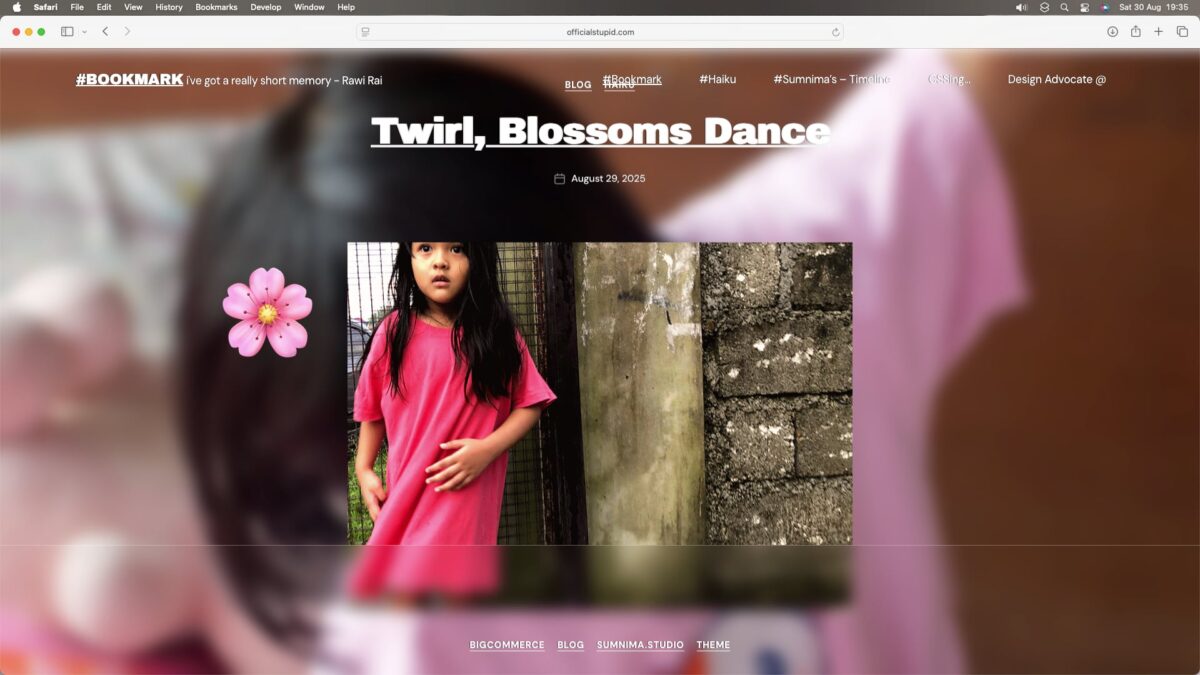
document.addEventListener("DOMContentLoaded", function() {
  // run only on archive/category pages
  if (!document.body.classList.contains("archive") || !document.body.classList.contains("category")) return;

  const emojis = [
    "🧸","🎈","🍭","🪁","🐻","🐼","🐨","🦄","🍦","🐰",
    "🌼","🌸","🌺","🌻","🌷",
    "🎨","🛷",
    "🍉","🍓","🌈"
  ];

  const articles = document.querySelectorAll("article.type-post");

  articles.forEach((article, i) => {
    // assign one emoji per article
    const randomEmoji = emojis[Math.floor(Math.random() * emojis.length)];

    // build and encode SVG containing the emoji
    const svg = `<svg xmlns="http://www.w3.org/2000/svg" height="100" width="100">
                   <text y="80" font-size="80">${randomEmoji}</text>
                 </svg>`;
    const encoded = encodeURIComponent(svg);

    // make a unique class for this article
    const className = `emoji-cursor-${i}`;

    // create a style rule that applies the cursor to the article AND ALL ITS CHILDREN
    const styleEl = document.createElement('style');
    styleEl.textContent = `.${className}, .${className} * { cursor: url("data:image/svg+xml;utf8,${encoded}"), auto !important; }`;
    document.head.appendChild(styleEl);

    // toggle the class on hover so the cursor appears/disappears reliably
    article.addEventListener('mouseenter', () => article.classList.add(className));
    article.addEventListener('mouseleave', () => article.classList.remove(className));
  });
});
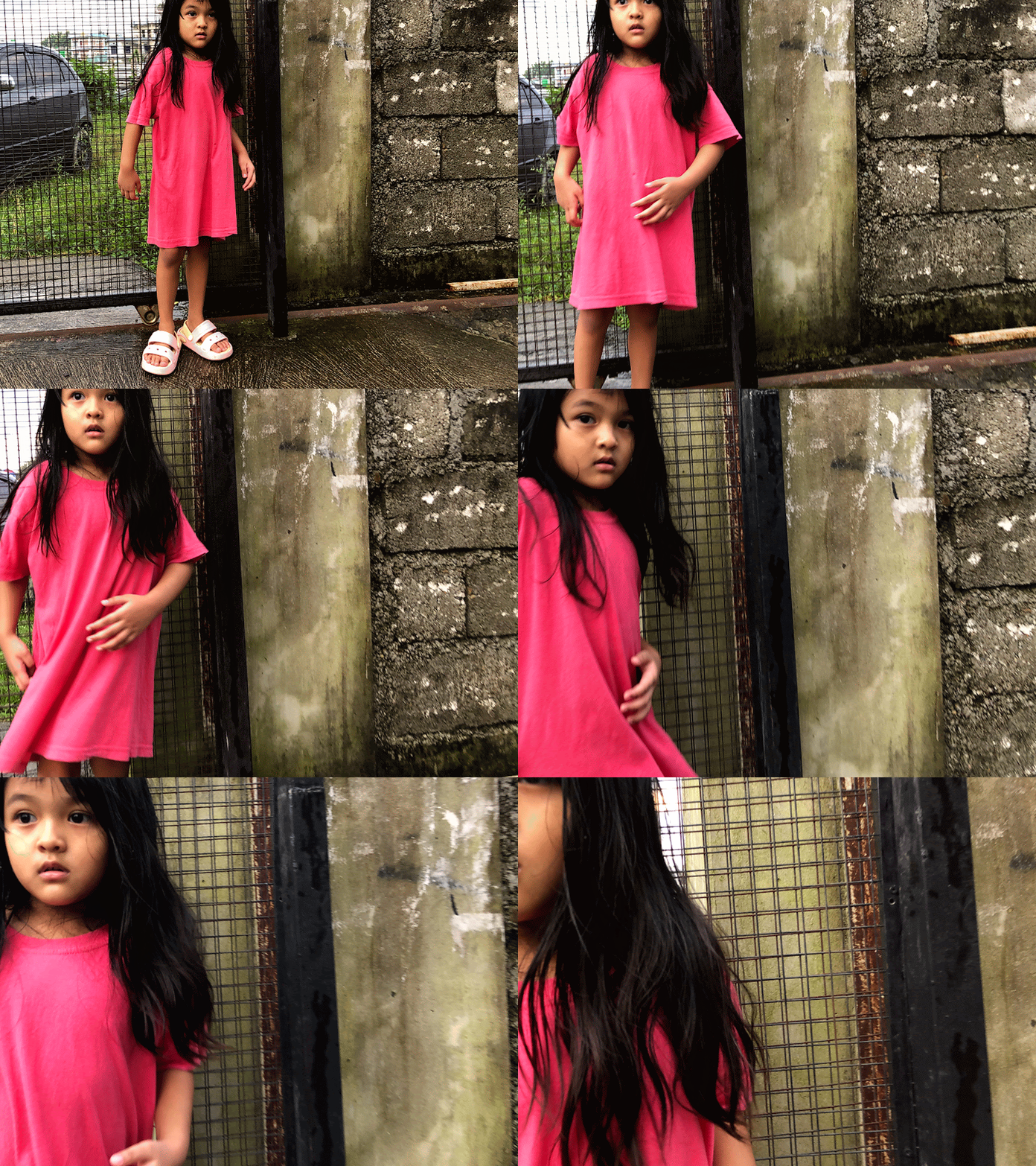
Tiny feet twirl free –
Joy blooms with the rain,
Blossoms dance on gentle winds.
#haiku #joy

RATNA Bigcommerce Theme, designed to embody clean lines and minimal aesthetics. Tailored for luxury jewelry and versatile enough to showcase clothing, accessories, shoes, and more, our theme offers a pristine canvas for your products. Its sleek design ensures effortless navigation and a captivating browsing experience across all devices. Elevate your online presence with RATNA Bigcommerce Theme’s minimalist charm, perfect for brands that prioritize both style and functionality.
Happy time after the 3rd design change 🎉✨
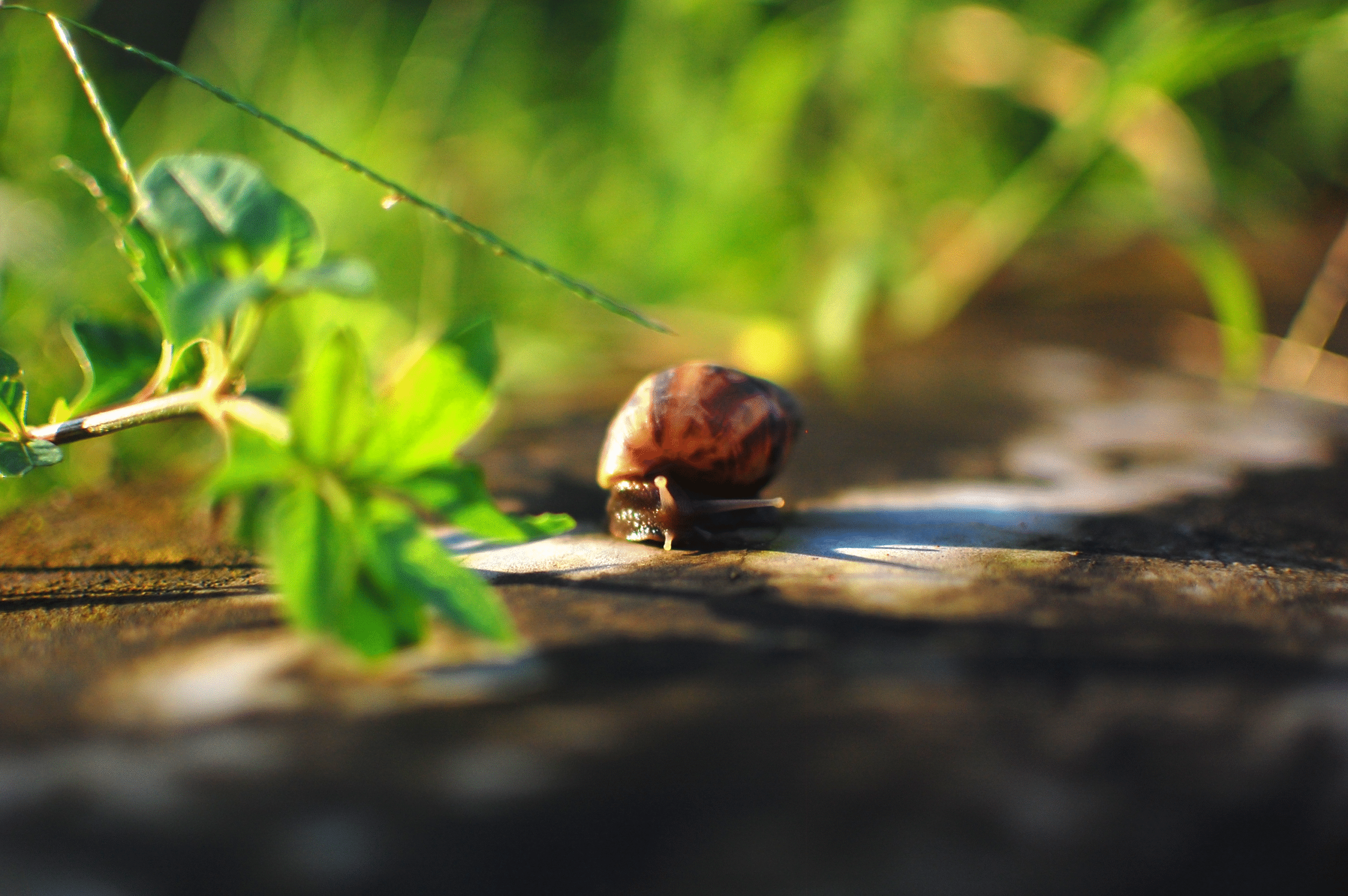
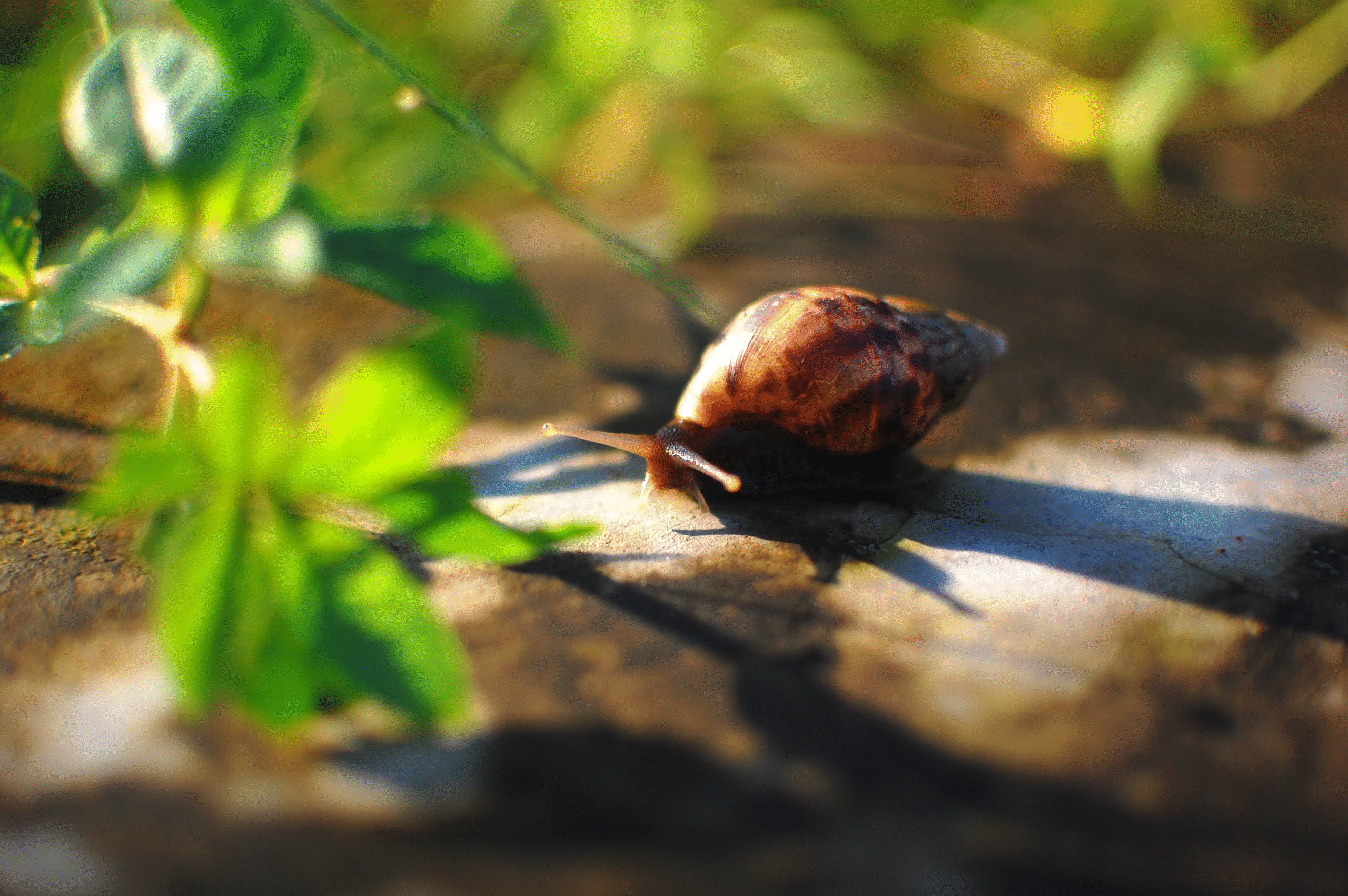
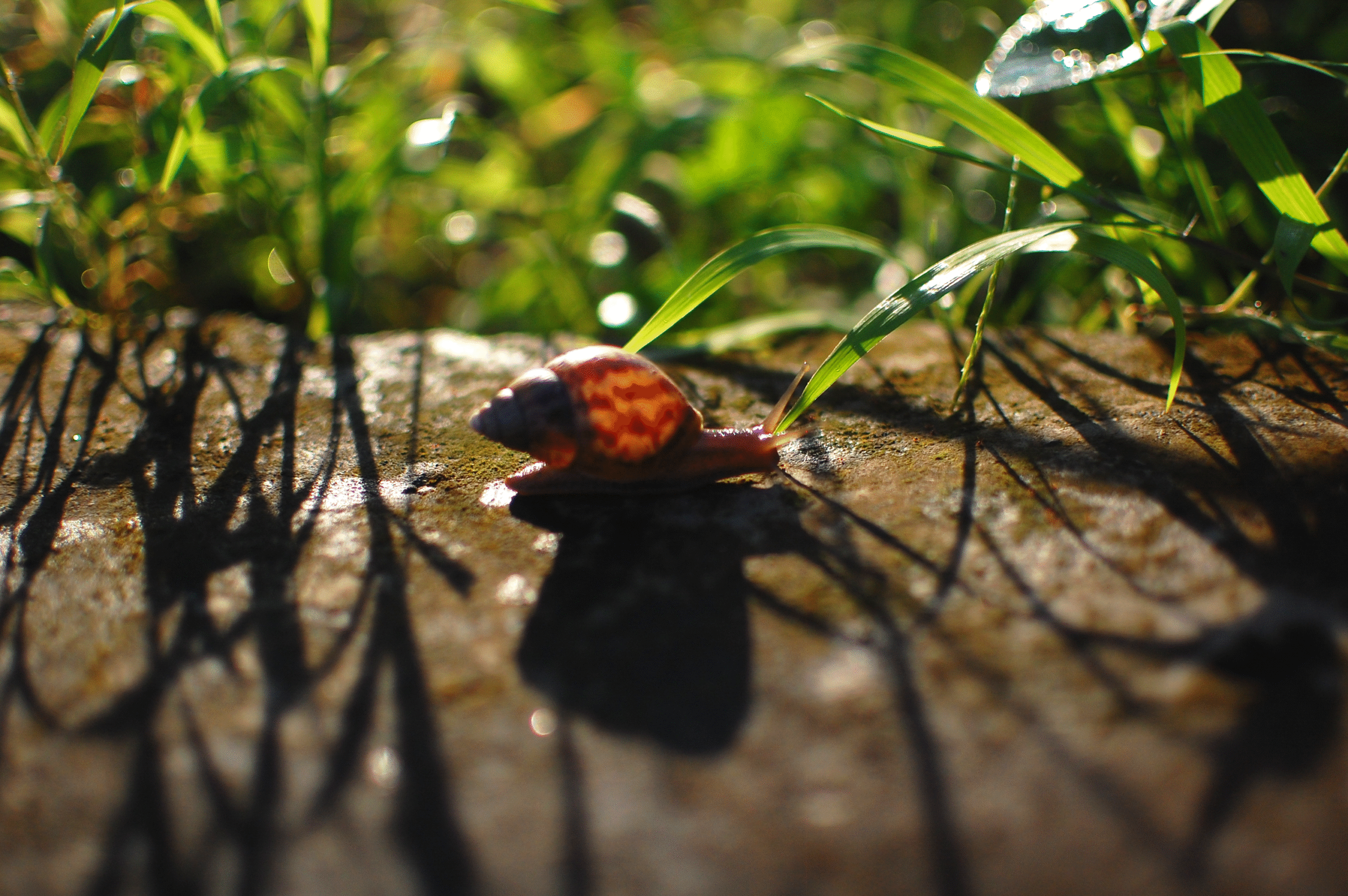
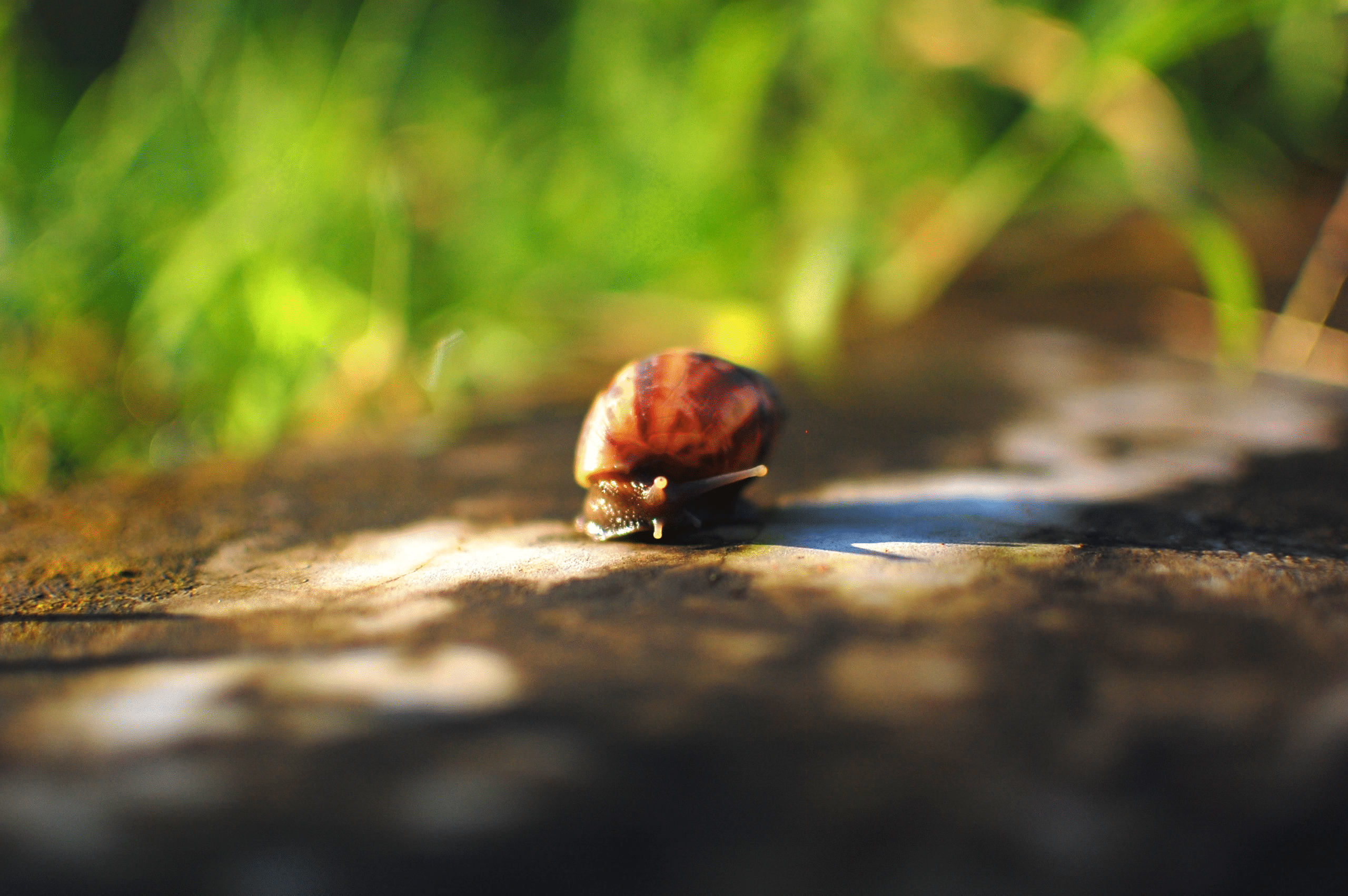
Snails dance in the rain,
nature blooms, all looks so bright—
yet her soft worry.
#haiku #snail #rain
quick app for MacOS to run BigCommerce CLI, editor , safari
startup.sh
#!/bin/bash

# Set the project directory
PROJECT_DIR="/Users/sumnima/Documents/minu"

# Change to the project directory
cd "$PROJECT_DIR" || exit 1

# Start the Stencil server in Terminal (first window)
osascript <<EOF
tell application "Terminal"
    do script "cd '$PROJECT_DIR' && stencil start"
    activate
end tell
EOF


# Open the project folder in Nova
open -a "Nova" "$PROJECT_DIR"


# Wait for server to start (adjust timing as needed)
sleep 30

# Open localhost in Safari
open -a "Safari" "http://localhost:3000"