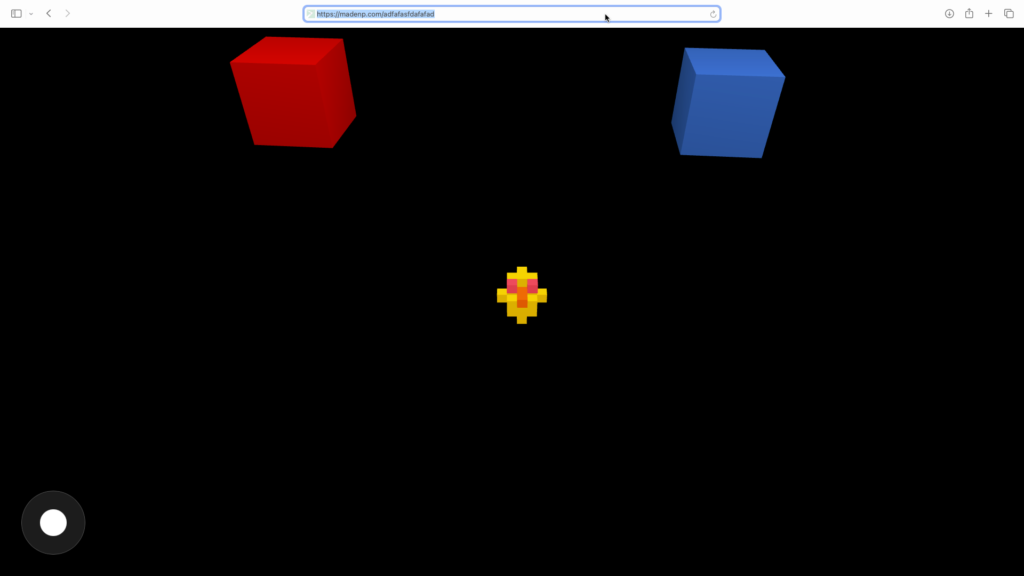
Just trying a chicken poultry feeding game for kids – https://madenp.com/chicken-feed/
Categories
Just trying a chicken poultry feeding game for kids – https://madenp.com/chicken-feed/
Never took the time to dissect Three.js gallery code — I used to just grab it and make it work, since I know the craziness of Three.js. But this is the first time I’m really digging into it and adding new features to the Three.js gallery:
https://tinyart.sumnima.me – sumnima tiny arts 😀

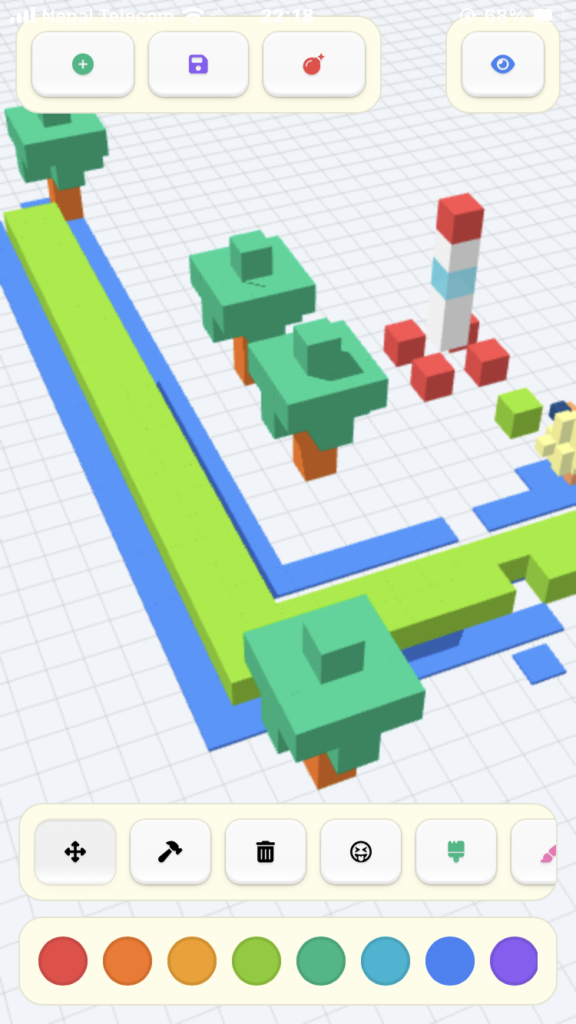
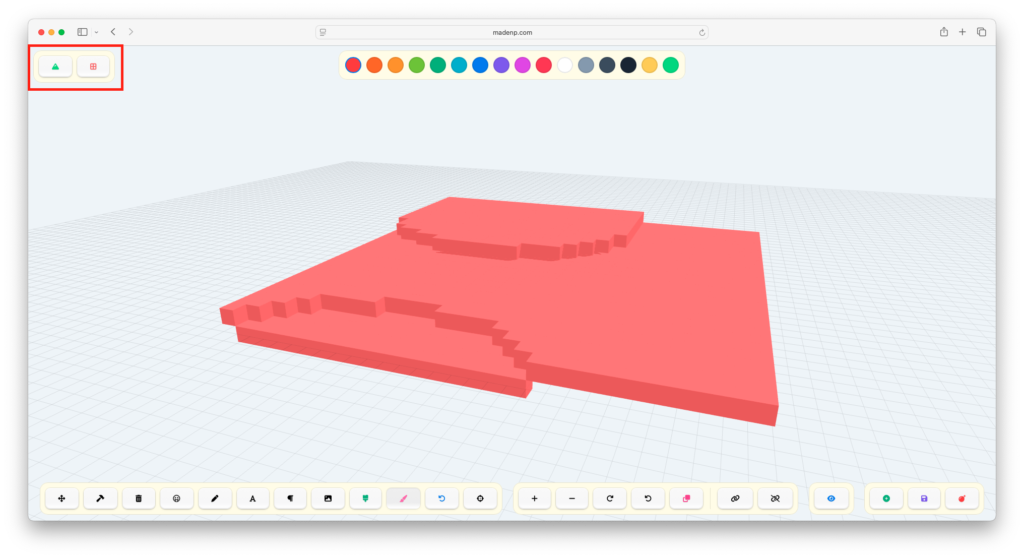
all started with toy box about a month ago. Now it’s finally finished. It can generate transparent PNGs and also supports GLB export.
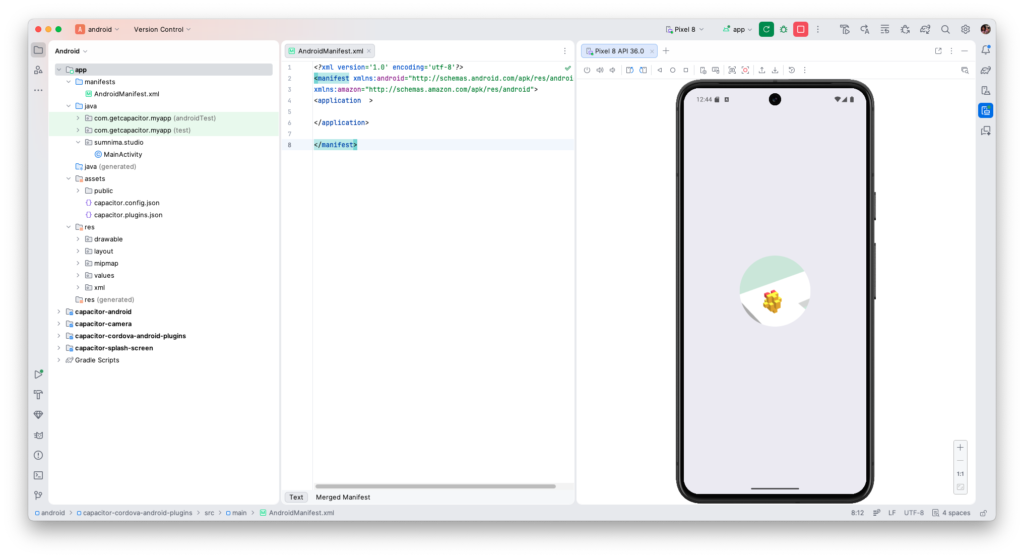
nvm use 22 && npx cap sync && npx cap open android && npm startnvm use 22 → switch to Node 22npx cap sync → sync Capacitor projectnpx cap open android → open Android Studionpm start → start dev server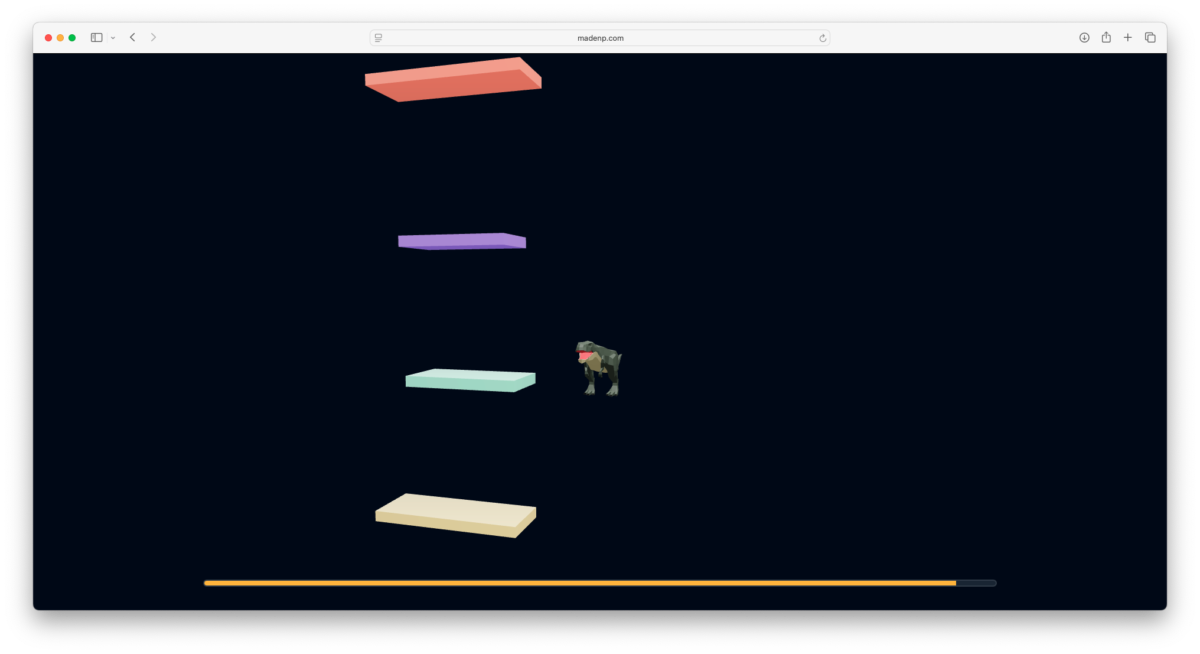
Space! – three.js with .glb animation.
t-rex animation – walk, stand and die.
Hopefully, I’ll have more time in the future for this madness.
ToyBox Procedural Plugin – v1.1 (POTATO PC & MOBILE OPTIMIZED)
/**
 * ToyBox Procedural Plugin - v1.1 (POTATO PC & MOBILE OPTIMIZED)
 * Extension for ToyBox Core.
 * Style: Randomized themes on every click.
 */
const TB_GEN = (function() {

	// Internal Helper: Uses Core TB.spawnVoxel
	const spawn = (x, y, z, c, s, h) => {
		if (typeof TB !== 'undefined') {
			// We set saveHistory to false during loops to save RAM/CPU
			TB.spawnVoxel(x, y, z, c, s, false, "gen_group", h);
		}
	};

	return {
		terrain: function(size = 15) { // Reduced default size for mobile safety (30x30 grid)
			console.log("Generating Lite Terrain...");

			// STYLE RANDOMIZER
			const styles = [
				{ c: 3, freq: 0.2, amp: 2 },  // Grasslands (Green)
				{ c: 1, freq: 0.4, amp: 3 },  // Desert Peaks (Orange)
				{ c: 10, freq: 0.1, amp: 1 }, // Snow Plains (White)
				{ c: 13, freq: 0.3, amp: 4 }, // Dark Mountains (Slate)
				{ c: 5, freq: 0.5, amp: 2 }   // Crystal Reef (Cyan/Transparent)
			];
			const theme = styles[Math.floor(Math.random() * styles.length)];
			const seed = Math.random() * 50;
			const grid = 1.0;

			for (let x = -size; x < size; x++) {
				for (let z = -size; z < size; z++) {
					// Optimized Math: Lower frequency noise
					const y = Math.round(
						Math.sin(x * theme.freq + seed) *
						Math.cos(z * theme.freq + seed) * theme.amp
					);

					// Skip blocks below ground to save memory
					if (y < -1) continue;

					spawn(x * grid, y, z * grid, theme.c, grid, grid);
				}
			}
			TB.saveGame(); // Final save
		},

		maze: function(size = 12) { // Small size is much faster for pathfinding/mobile
			console.log("Generating Lite Maze...");

			// STYLE RANDOMIZER
			const wallColors = [13, 12, 0, 7]; // Slate, Blue, Red, Purple
			const color = wallColors[Math.floor(Math.random() * wallColors.length)];
			const wallHeight = Math.random() > 0.5 ? 2 : 1;
			const density = 0.6 + (Math.random() * 0.2); // Random wall frequency

			for (let x = -size; x < size; x++) {
				for (let z = -size; z < size; z++) {
					// Logic: Create paths by checking grid modulo
					if (x % 2 === 0 || z % 2 === 0) {
						if (Math.random() > density) {
							spawn(x, wallHeight / 2, z, color, 1, wallHeight);
						}
					}
				}
			}
			TB.saveGame();
		}
	};
})();
lots of good good updates and tools. 12-15 hours (I don’t use timer 😀 )
– Page builder for websites using Three.js with animations.
her post stuck me some min and found her another work – https://www.reddit.com/r/threejs/comments/1reah8o/playing_around_with_rapier_physics_and/
I’m not fan of such website but most of people love such website and think cool 😀 so for those groups!!!
target website builder like – https://www.weisdevice.xyz
more ref : – I think it’s 3js bible 😀 – https://tympanus.net/codrops/tag/three-js/
I’m just tired now, so everything is totally on hold. This is the last update for this journal.
https://toy.dharan.city/toybox_game/box-pig/