Category: cms
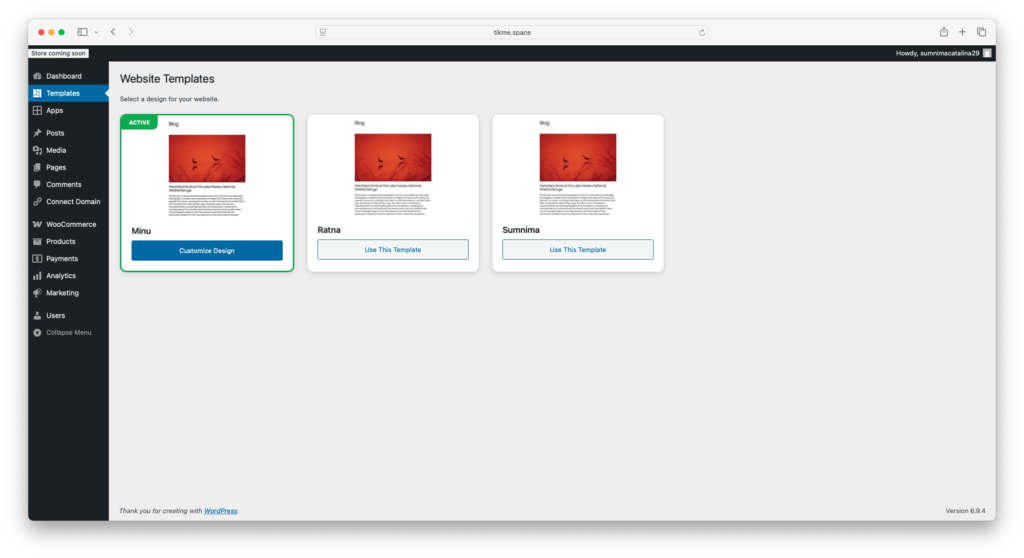
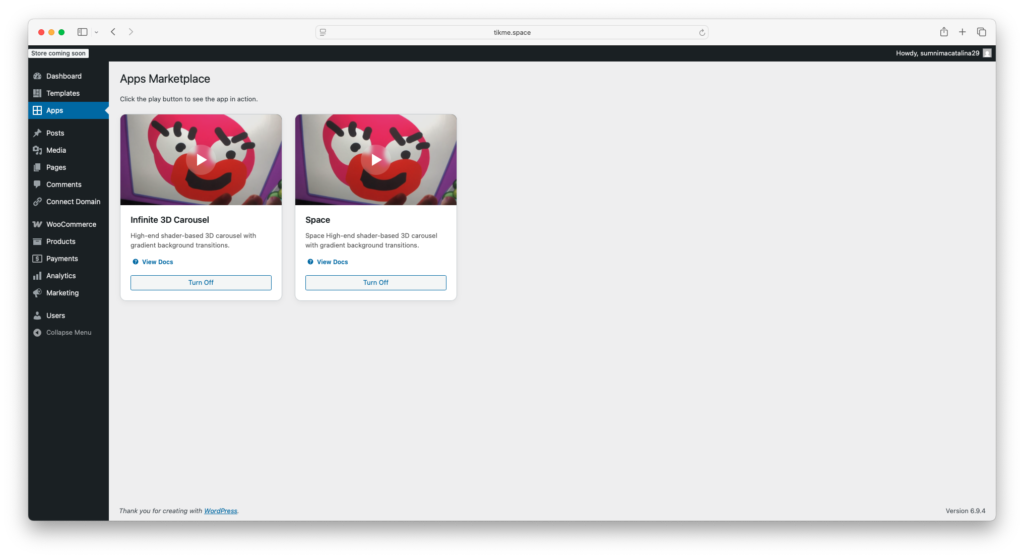
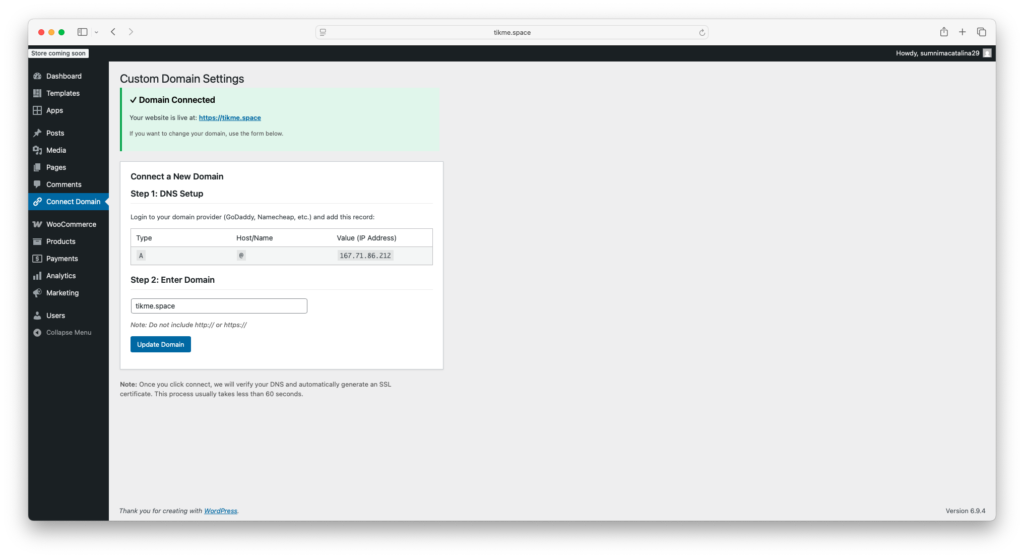
Stopping the madness… too many parts keep breaking. For now, I’m stepping back and doing the same work with WordPress—but still trying to build a tiny, really really tiny WordPress for beginners.
GOLD-backup-2026-04-23-1606.tar.gz
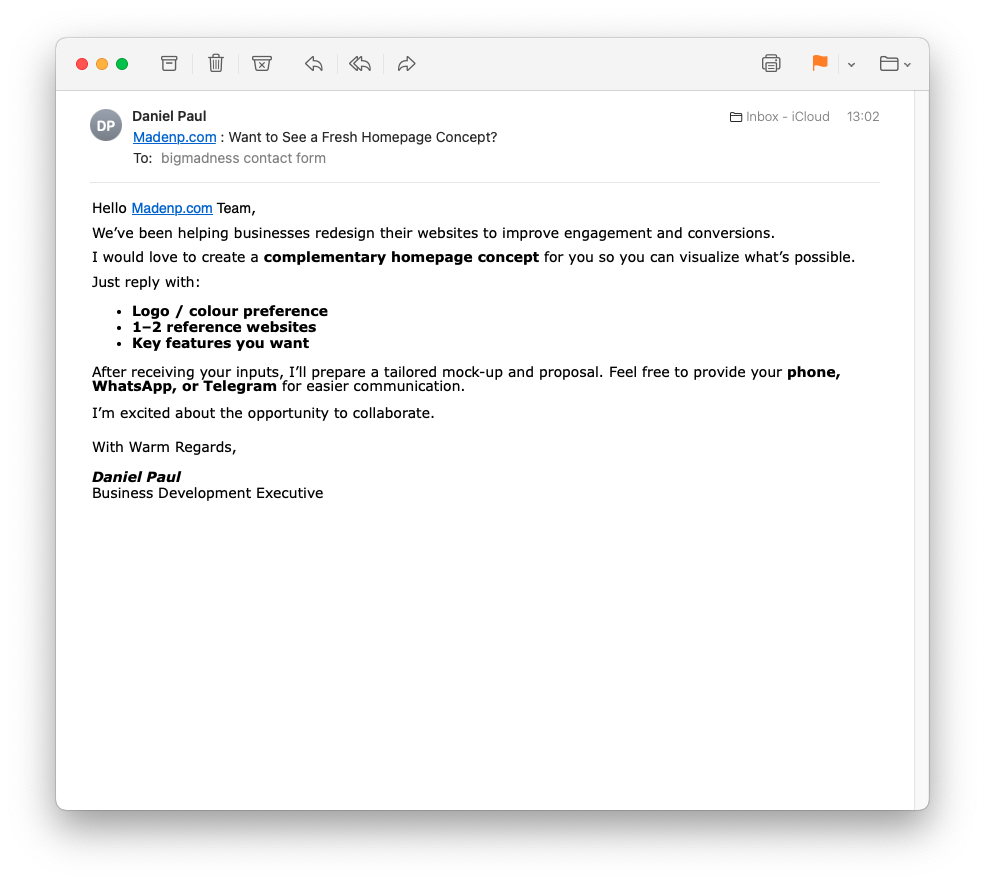
A frustrating morning with madenp.com (Three.js and the CMS) had my head going ring-a-ring o’ roses. Then, somehow, a spam email made me happy, which helped me get over the frustration 😄
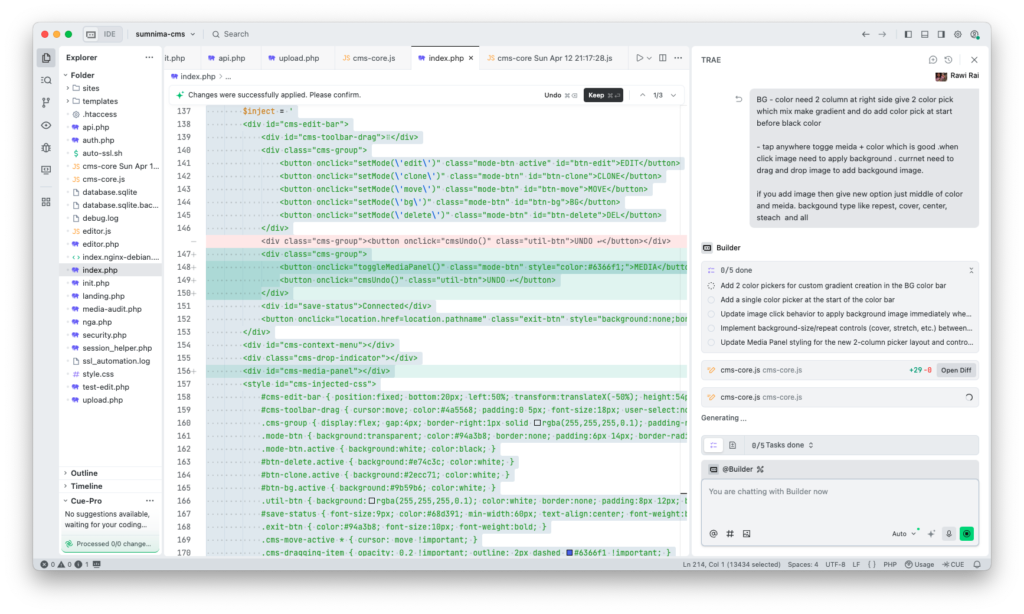
After 5 days of digging, I finally stopped my madness over the text editor—dragging, cloning, sorting, blah blah blah—and got back to the core part.
Three.js cross-origin ‘Russian doll’ effect at the end.
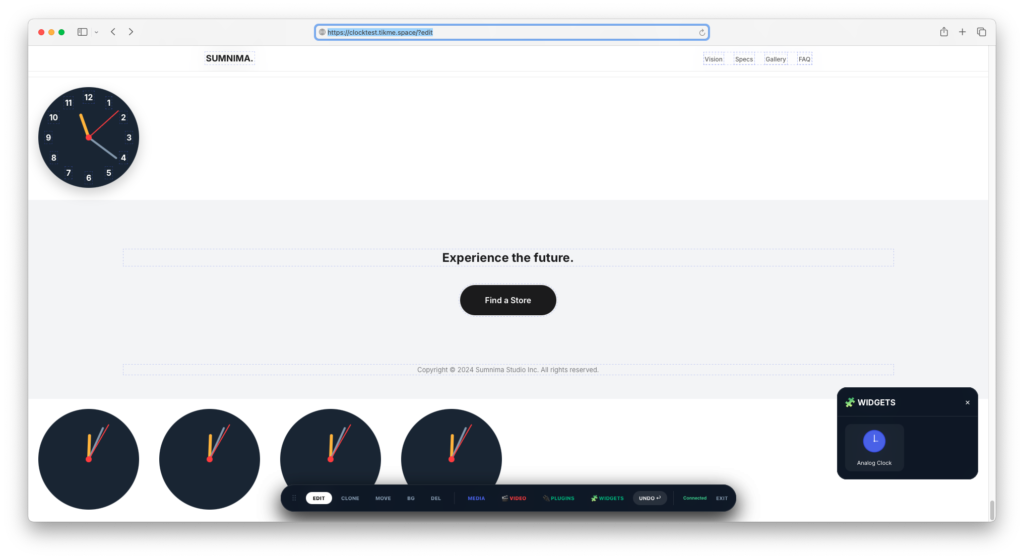
LOOP! JavaScript conflict nightmares !!!! DAY 2
Overview
This CMS allows you to create editable templates with drag-and-drop image support, text editing, background customization, and video embedding.
1. Editable Text Elements
Any text-containing element becomes automatically editable in EDIT mode:
html
<!-- Headings -->
<h1>Editable Heading</h1>
<h2>Editable Subheading</h2>

<!-- Paragraphs -->
<p>This text will be editable.</p>

<!-- Spans -->
<span>Editable inline text</span>

<!-- List items -->
<ul>
    <li>Editable list item</li>
    <li>Another editable item</li>
</ul>

<!-- Buttons -->
<button>Editable Button Text</button>

<!-- Divs with text only -->
<div>This div text is editable</div>

<!-- Links -->
<a href="#">Editable Link Text</a>
What happens in EDIT mode:
- Text becomes directly editable
- Shows dashed outline on hover
- Focus shows solid outline
- Changes auto-save after 2.5 seconds
2. Editable Background Images
Use data-editable-bg="true" attribute:
html
<!-- Section with editable background -->
<section class="hero" data-editable-bg="true" style="background-image: url(initial.jpg)">
    <h1>Hero Content</h1>
</section>

<!-- Div with editable background -->
<div class="content__bg" data-editable-bg="true" style="background-image: url(bg.jpg)">
    <p>Content here</p>
</div>

<!-- Grid item with background -->
<div class="grid__item-img" data-editable-bg="true" style="background-image: url(image.jpg)">
</div>
In BG mode:
- Click element → Opens Media Panel
- Select image → Updates background
- Drag from desktop → Updates background
- Use color/gradient pickers
CSS Classes that auto-work in BG mode (no attribute needed):
.content__bg.grid__item-img.cover.thumb
3. Editable SVG Images (with clip-path)
Use data-editable-image="true" on <image> tag:
html
<svg class="image-clip" width="500px" height="750px" viewBox="0 0 500 750">
    <defs>
        <clipPath id="shape1">
            <path d="M 0 0 L 500 0 C 331 608 485 551 500 750 L 0 750 Z"></path>
        </clipPath>
    </defs>
    <image data-editable-image="true"
           clip-path="url(#shape1)"
           xlink:href="https://picsum.photos/1200/800?random=1"
           x="0" y="0"
           width="500" height="750">
    </image>
</svg>
In EDIT mode:
- Click SVG → Opens Media Panel
- Select image → Updates
xlink:href - Drag from desktop → Updates SVG
- Grabber appears on hover for moving
4. Regular Images (no SVG)
Standard <img> tags:
html
<img src="image.jpg" alt="Description">
In EDIT mode:
- Click → Opens file upload
- Drag from desktop → Replaces image
- Grabber for moving
5. Video Elements
Auto-embed from YouTube/Vimeo URLs:
html
<!-- Videos added via CMS will appear as: -->
<div class="cms-video-res"
     data-video-url="https://youtu.be/xxx"
     data-video-id="xxx"
     data-video-platform="youtube">
    <iframe src="https://www.youtube.com/embed/xxx"
            allowfullscreen></iframe>
</div>
Video Features:
- 16:9 aspect ratio maintained
- Alignment: Left, Center, Right
- Edit URL via click
- Gallery stores all videos
6. Spacer Elements
Add spacing between elements:
html
<hr class="cms-spacer">
In EDIT mode:
- Hover shows dashed outline
- Can be moved/deleted
- Adds 1rem spacing
7. Right-Click Menu Items
Elements that can be added via right-click:
| Option | Creates |
|---|---|
| Heading | <h2>New Text</h2> |
| Paragraph | <p>New Text</p> |
| List | <ul><li>New Item</li></ul> |
| Image | Opens Media Panel |
| Video | Opens URL prompt |
| Button | <button>Button</button> |
| Space | <hr class="cms-spacer"> |
8. Complete Template Example
html
<!DOCTYPE html>
<html>
<head>
    <meta charset="UTF-8">
    <title>My Template</title>
    <style>
        /* Your styles here */
        .hero {
            min-height: 100vh;
            display: flex;
            align-items: center;
            justify-content: center;
        }
        .content__bg {
            padding: 100px 20px;
        }
        .grid {
            display: grid;
            grid-template-columns: repeat(2, 1fr);
            gap: 20px;
        }
        .grid__item-img {
            aspect-ratio: 1;
            background-size: cover;
            background-position: center;
            border-radius: 20px;
        }
    </style>
</head>
<body>
    <!-- Editable Hero Section -->
    <section class="hero" data-editable-bg="true"
             style="background-image: url(https://picsum.photos/1920/1080?random=1)">
        <div>
            <h1>Welcome to My Site</h1>
            <p>This text is fully editable</p>
            <button>Get Started</button>
        </div>
    </section>

    <!-- Content Section with Background -->
    <section class="content__bg" data-editable-bg="true"
             style="background-image: url(https://picsum.photos/1920/1080?random=2)">
        <h2>About Us</h2>
        <p>Edit this text to describe your business.</p>
    </section>

    <!-- Image Grid -->
    <div class="grid">
        <div class="grid__item-img" data-editable-bg="true"
             style="background-image: url(https://picsum.photos/800/800?random=3)">
        </div>
        <div class="grid__item-img" data-editable-bg="true"
             style="background-image: url(https://picsum.photos/800/800?random=4)">
        </div>
    </div>

    <!-- SVG with Clip-path -->
    <svg class="image-clip" width="500px" height="500px" viewBox="0 0 500 500">
        <defs>
            <clipPath id="circle">
                <circle cx="250" cy="250" r="250"></circle>
            </clipPath>
        </defs>
        <image data-editable-image="true"
               clip-path="url(#circle)"
               xlink:href="https://picsum.photos/500/500?random=5"
               x="0" y="0" width="500" height="500">
        </image>
    </svg>

    <!-- Regular Image -->
    <img src="https://picsum.photos/800/600?random=6" alt="Editable image">

    <!-- Footer -->
    <footer>
        <p>© 2024 My Site. All rights reserved.</p>
    </footer>
</body>
</html>
9. CMS Toolbar Modes
| Mode | Function |
|---|---|
| EDIT | Edit text, click images/SVG to change |
| CLONE | Click element to duplicate |
| MOVE | Drag elements to reorder |
| BG | Click backgrounds to change (opens Media Panel) |
| DEL | Click element to delete |
| MEDIA | Open media manager |
| VIDEO | Open video gallery |
| UNDO | Undo last action |
| EXIT | Exit edit mode |
10. Quick Reference Table
| Feature | Attribute/Class | Click Action | Drop Action |
|---|---|---|---|
| Text | (automatic) | Edit inline | – |
| BG Image | data-editable-bg="true" | Open Media Panel | Replace BG |
| BG Image | .content__bg, .grid__item-img | Open Media Panel | Replace BG |
| SVG Image | data-editable-image="true" | Open Media Panel | Replace SVG |
| Regular Image | <img> | File upload | Replace image |
| Video | .cms-video-res | Edit URL | – |
11. Tips
- Always add
data-editable-bg="true"to elements that should have changeable backgrounds - Use semantic HTML – headings, paragraphs, lists auto-become editable
- SVG images need
data-editable-image="true"on the<image>tag - BG mode only affects elements with the attribute or specific classes
- Videos maintain 16:9 ratio – ensure container has space
- Right-click anywhere for quick element insertion
Categories
Sumnima CMS Templating Guide
This is your Sumnima CMS Templating Guide. Use these tags and classes in your index.html to make the editor work perfectly.
1. Drag & Drop (Moving Blocks)
To make a block moveable, use these standard tags. The editor looks for them automatically:
- Big Blocks:
<section>,<article>,<header>,<footer> - Small Blocks: Use class
cardorcell.- Example:
<div class="card">...</div>or<div class="cell">...</div>
- Example:
- Tip: Keep elements you want to swap as “siblings” (inside the same parent
div).
2. Text Editing
The editor automatically makes these tags editable if they contain text:
<h1>,<h2>,<h3>,<h4><p>,<span>,<a><button><li>(Supports Enter for new bullet points)- Note: Don’t put a
divinside aptag, or the editor might get confused.
3. Images (Click to Swap)
- Standard: All
<img>tags are automatically clickable to upload a new photo. - Theory Template: SVG
<image>tags are also supported.
4. Background Photos (BG Mode)
To change the background image of a section or div, add this attribute:
data-editable-bg="true"- Example:
<section style="background-image: url('img.jpg')" data-editable-bg="true"> - How to edit: Switch to BG mode in the top bar, then click the section.
5. Footers & Menus (Columns)
To make footer columns or menu items reorderable, use the .cell class:
- Example:
 <footer style="display:flex">
       <div class="cell">Column 1 Content</div>
       <div class="cell">Column 2 Content</div>
</footer>
🚀 The “Perfect Block” Example
Copy this structure for a clean, fully editable section:
<section data-editable-bg="true" style="background-image: url('bg.jpg')">
    <div class="container">
        <h1>Editable Title</h1>
        <p>This is a paragraph you can edit or right-click to add a list.</p>

        <div style="display:flex">
            <div class="card">
                <img src="thumb1.jpg">
                <h3>Feature 1</h3>
            </div>
            <div class="card">
                <img src="thumb2.jpg">
                <h3>Feature 2</h3>
            </div>
        </div>
    </div>
</section>
Cheat Sheet Summary:
- Move: Use
<section>,.card, or.cell. - Edit: Use
<h1>,<p>,<li>. - BG: Use
data-editable-bg="true". - Add: Right-click any existing text/image to insert a new element below it.
“Code is Poetry”;
Deepseak —
flows like water.
#haiku #wordpress #deepseak #AI
Categories
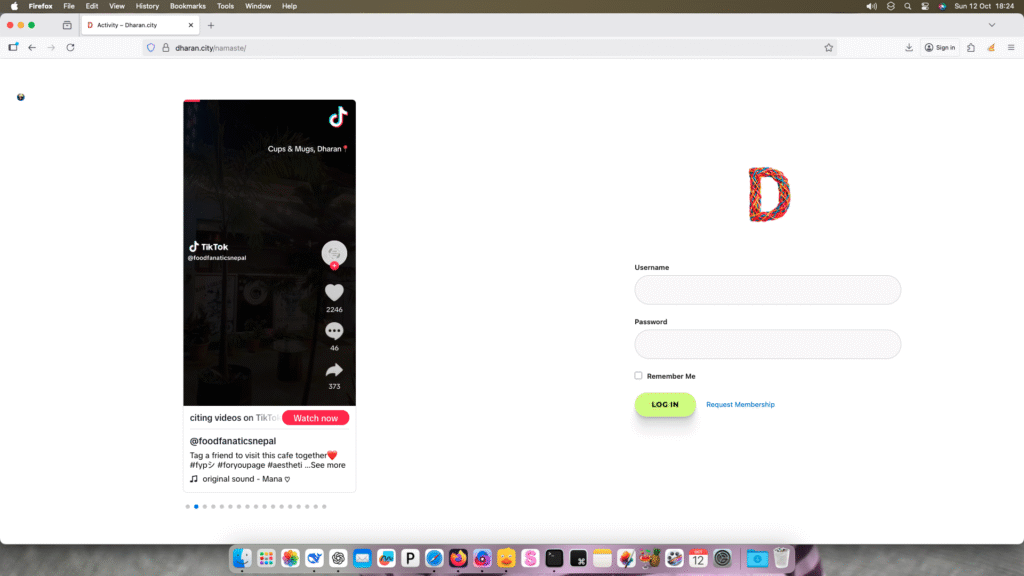
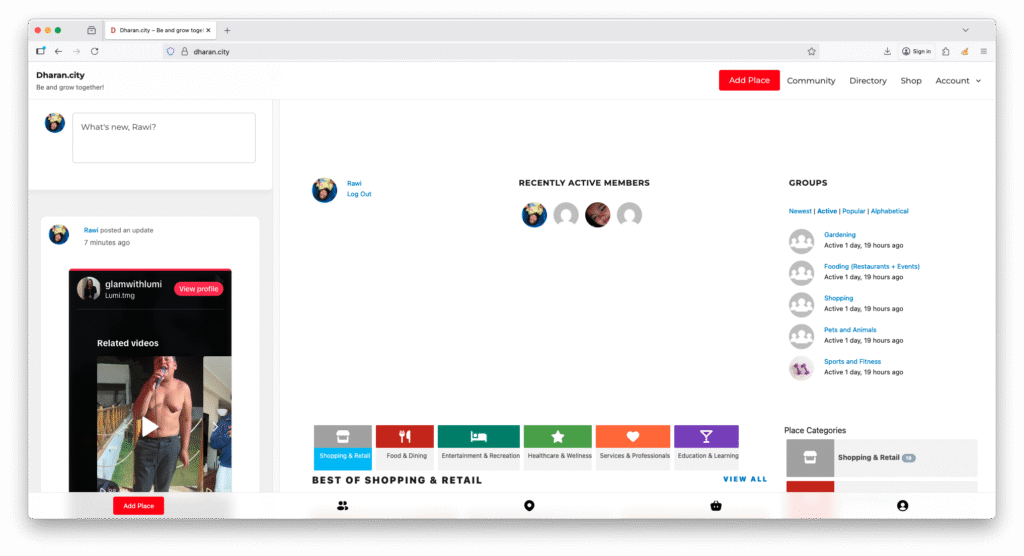
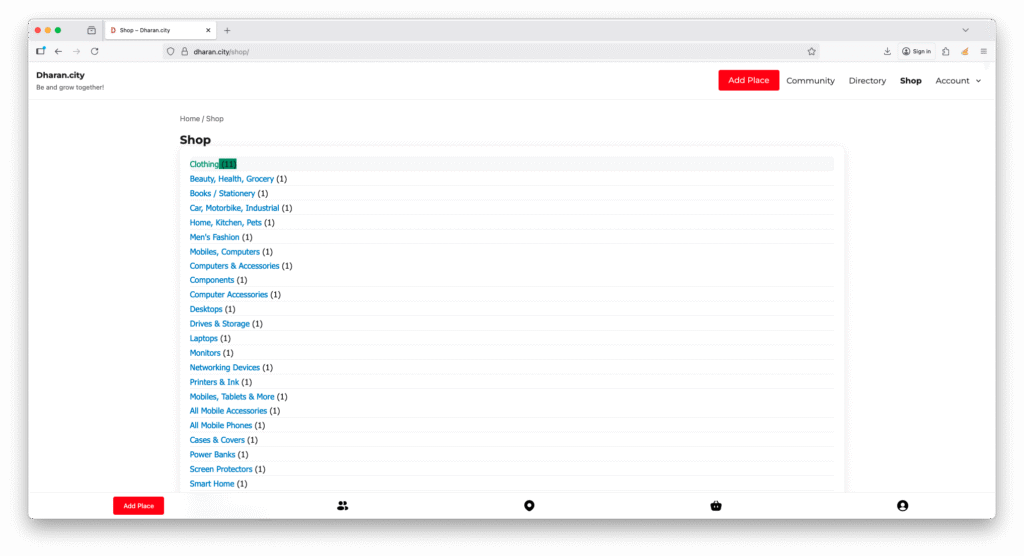
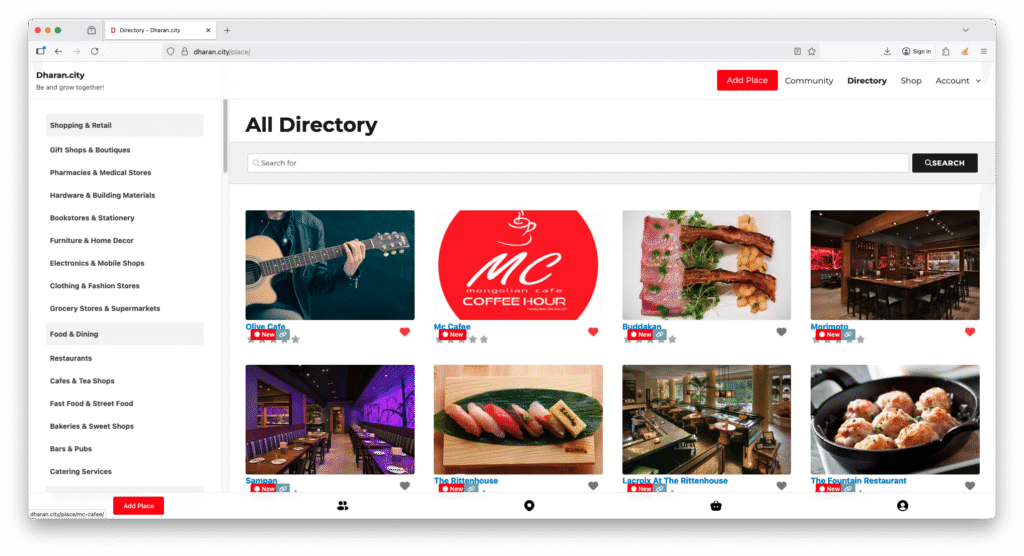
dharan.city – Day 3
set a new target for my free time!