Categories
Category: bigcommerce
Categories
.card–alternate color reset.
.card--alternate color does not remain consistent and keeps changing. This behavior negatively affects the overall design and user experience, as the inconsistent styling looks unpolished and distracting each time it occurs. It would be much better if the color could remain stable or be easily overridden through custom CSS.
.card--alternate {
  border: 3px solid inherit;

  .card-body {
    background-color: transparent;
  }

  &:hover {
    border-color: inherit;

    .card-body {
      background-color: inherit;

      .card-text {
        color: inherit;
      }
    }

    .card-title > a {
      color: inherit;
    }
  }
}
#cornerstone #bigcommerce
Finally, a new footer SCSS is born, setting a new standard for me and my themes. Clean, minimal, and built to last into the future. #Bookmark #bigcommerce #marketplace
Everest Organic Bigcommerce Theme
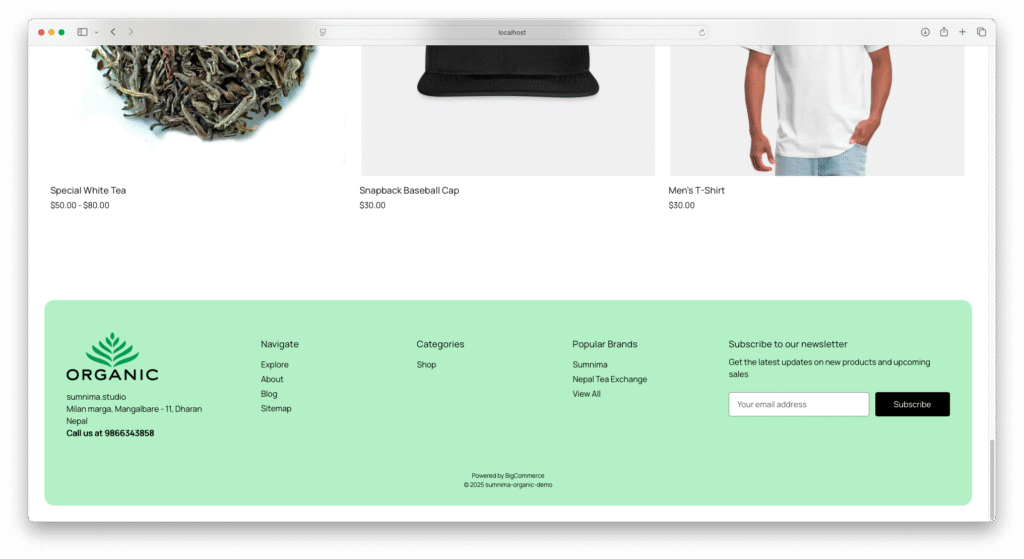
footer.footer {
	background-color: $body-bg;
	padding: 2rem;
	border: none;

	.container {
		background: stencilColor("footer-backgroundColor");
		border-radius: 20px;
		padding: 2rem;
		max-width: 100%;
	}

	.footer-info-col {
		margin-top: 0px;

		.footer--address {
			margin-bottom: 2rem;

			address {
				font-style: normal;
			}
		}

		.footer-info-heading {
			padding: 10px 0px;
			margin: 0px;
			border-top: container("border");
			font-size: fontSize("smaller");

			@include breakpoint("medium") {
				border: none;
			}
		}

		.footer-info-list {
			display: none;
			margin-bottom: 1rem;

			@include breakpoint("medium") {
				display: block;
			}

			li {
				padding: 5px 0px 5px;
				text-transform: capitalize;

				@include breakpoint("medium") {
					padding: 5px 0px 0px;
				}
			}
		}

		.footer-info-list.active {
			display: block;
		}

		a {
			span {
				position: relative;

				&::after {
					content: '';
					position: absolute;
					width: 100%;
					transform: scaleX(0);
					height: 1px;
					bottom: 0;
					left: 0;
					background-color: stencilColor("navUser-color-hover");
					transform-origin: bottom right;
					transition: transform 0.25s ease-out;
				}

				&:hover::after {
					transform: scaleX(1);
					transform-origin: bottom left;
				}
			}
		}

		@include breakpoint("small") {
			width: 100%;
			text-align: center;
		}

		@include breakpoint("medium") {
			width: 16%;
			text-align: left;
		}

		@include breakpoint("large") {
			width: 20%;

		}
	}

	@include breakpoint("medium") {
		.footer-info {
			display: flex;
			margin: 2rem 0px;
		}

		.footer-info-col[data-section-type="storeInfo"] {
			width: 25%;

			.footer--logo .header-logo {
				margin: 0px 0px 1rem;
				text-align: left;

			}
		}

		.footer-info-col[data-section-type="newsletterSubscription"] {
			width: 35%;
		}
	}

	@include breakpoint("large") {

		.footer-info-col[data-section-type="newsletterSubscription"] {
			width: 30%;
		}
	}

	.footer-copyright {
		text-align: center;
	}
}Expand
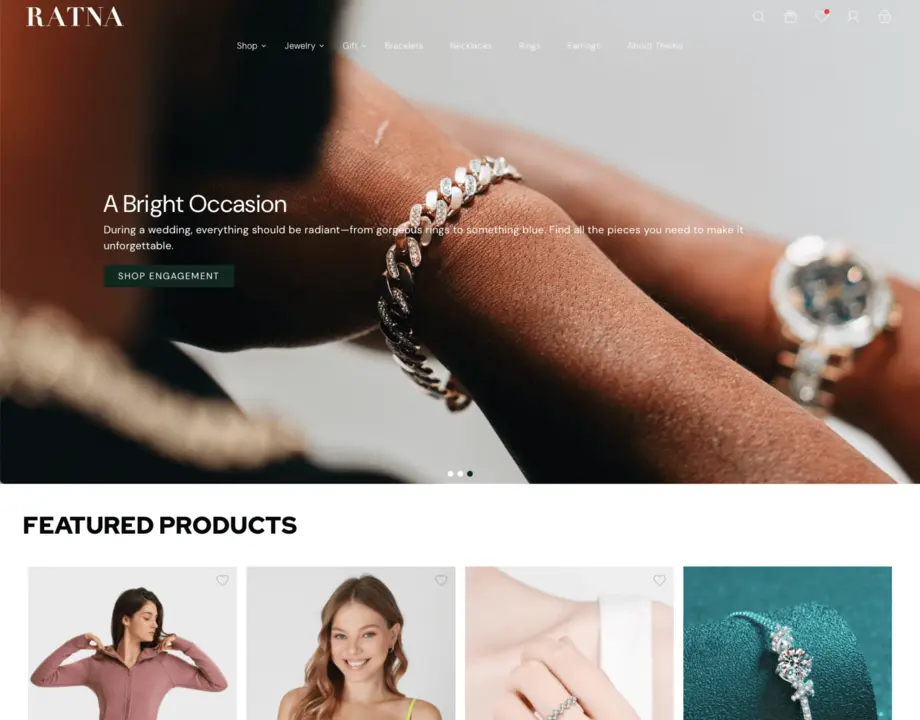
RATNA Bigcommerce Theme, designed to embody clean lines and minimal aesthetics. Tailored for luxury jewelry and versatile enough to showcase clothing, accessories, shoes, and more, our theme offers a pristine canvas for your products. Its sleek design ensures effortless navigation and a captivating browsing experience across all devices. Elevate your online presence with RATNA Bigcommerce Theme’s minimalist charm, perfect for brands that prioritize both style and functionality.
Categories
finally!!
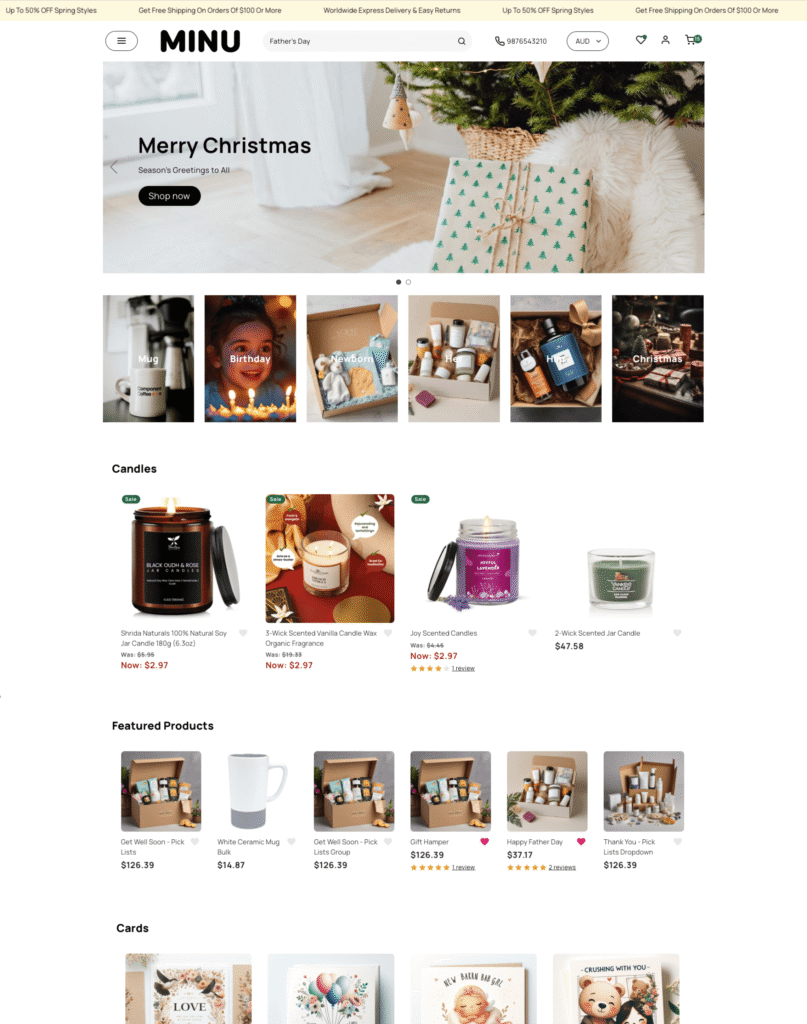
Happy time after the 3rd design change 🎉✨
Categories
sumnima.app
quick app for MacOS to run BigCommerce CLI, editor , safari
startup.sh
#!/bin/bash

# Set the project directory
PROJECT_DIR="/Users/sumnima/Documents/minu"

# Change to the project directory
cd "$PROJECT_DIR" || exit 1

# Start the Stencil server in Terminal (first window)
osascript <<EOF
tell application "Terminal"
    do script "cd '$PROJECT_DIR' && stencil start"
    activate
end tell
EOF


# Open the project folder in Nova
open -a "Nova" "$PROJECT_DIR"


# Wait for server to start (adjust timing as needed)
sleep 30

# Open localhost in Safari
open -a "Safari" "http://localhost:3000"
Categories
breakpoints
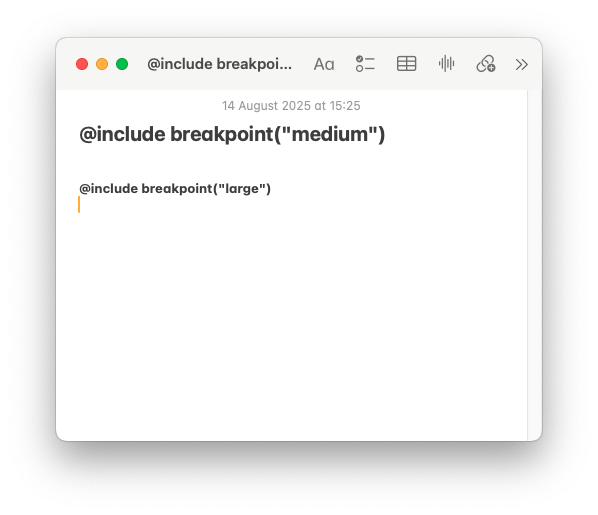
@include breakpoint("medium") { }
@include breakpoint("large") { }#stencil #bigcommerce
Categories
i’m bat man!
@echo off
cd /d "C:\Users\sumnima\Documents\minu"

:: Start Git Bash and run stencil
start "" "C:\Program Files\Git\git-bash.exe" --cd="C:\Users\sumnima\Documents\minu" -c "stencil start; exec bash"

:: Delay for server to start (tweak if needed)
timeout /t 10 >nul

:: Launch Firefox with localhost
start "" "C:\Program Files\Mozilla Firefox\firefox.exe" "http://localhost:3000"

:: Open Sublime Text in the same folder
start "" "C:\Program Files\Sublime Text\sublime_text.exe" "C:\Users\sumnima\Documents\minu"
Categories
heroCarousel base on minimal theme
#bookmark #height
.heroCarousel,
.heroCarousel.slick-initialized,
.heroCarousel-slide .heroCarousel-image-wrapper {
    height: auto;
    max-height: 50vh;

    @include breakpoint("medium") {
        max-height: 100vh;
        height: auto;
    }
}
Categories
minimal theme media screen size
#screen #bigcommerce #theme #css #media #bookmark base on minimal theme
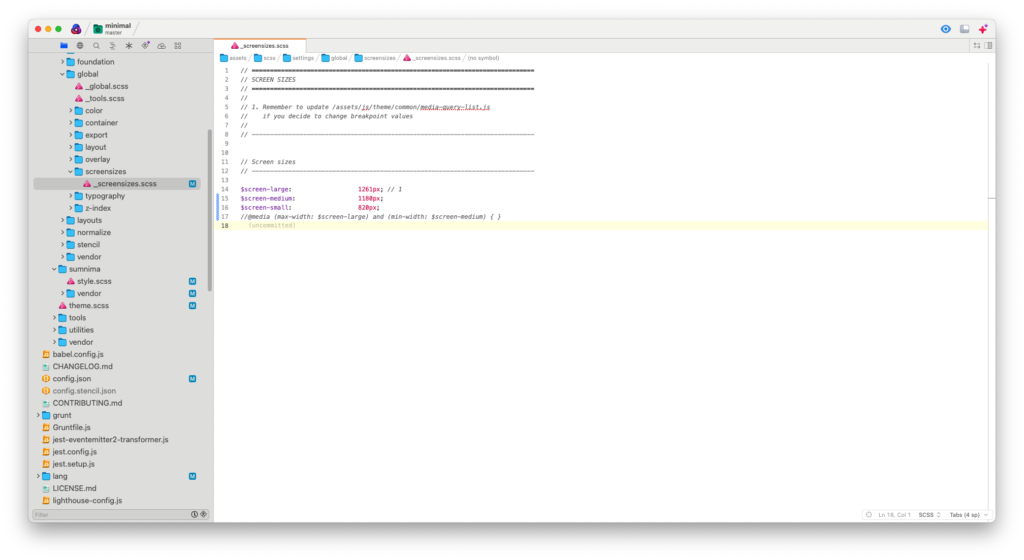
$screen-large:                  1261px; // 1
$screen-medium:                 1180px;
$screen-small:                  820px;
@media (max-width: $screen-large) and (min-width: $screen-medium) {

}
Categories
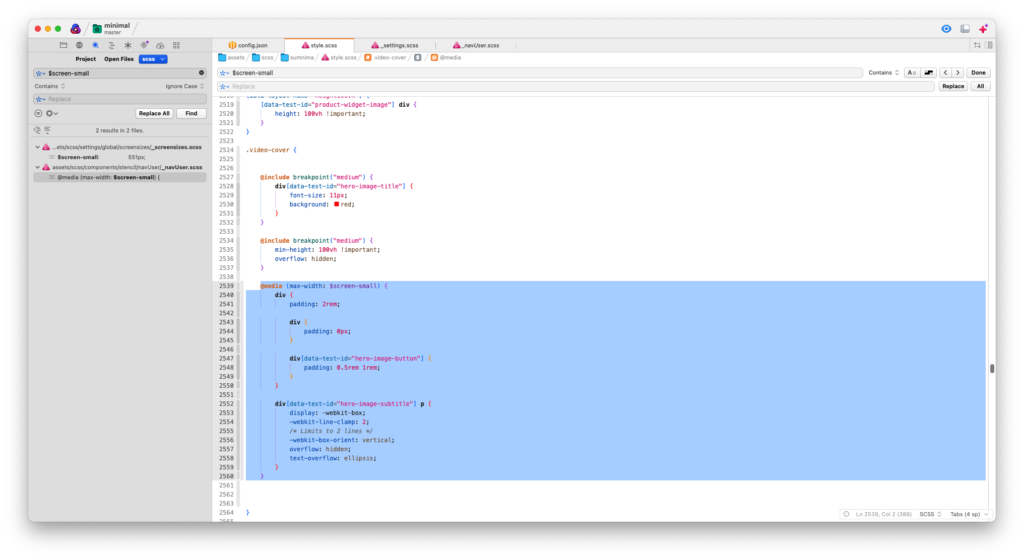
@media (max-width: $screen-small)
@media (max-width: $screen-small) {
    // small screen only
}
#small-screen